How to install Magic Lantern with Dual ISO on Canon 7D
You have to follow these steps in order to try the Audionut ML build and the dual iso module:
- Download and process required firmware files
- Enable bootflag on 7D using EOS Utility
- Install Magic Lantern using EOScard.exe tool
Detailed instructions are available on the ML support board at http://www.magiclantern.fm/forum/index.php?topic=3974.msg62242#msg62242
Dual ISO dynamic range improvement is explained in more detail at http://www.magiclantern.fm/forum/index.php?topic=7139.0
Status Before g3gg0's hack
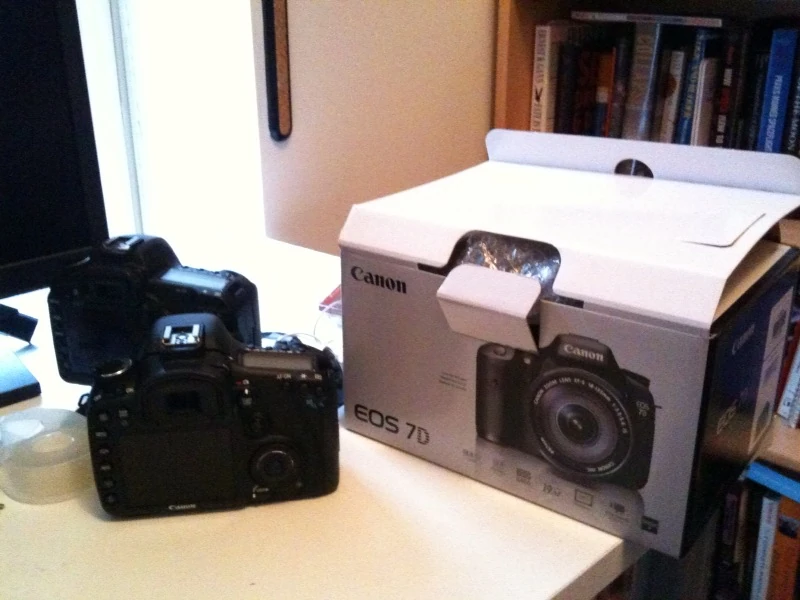

7D under development
Thanks to an anonymous donor we have a test 7D body and can produce a firmware dump from it.
- Apply this bspatch to the 7D 1.1.0 firmware (instructions and details) to generate a dumper firmware with md5sum f9d720f38c7991f9526d4b34e21c7d7c. Follow the normal "Update Firmware" procedure to write out a ROM0.bin file with the memory starting at 0xFF00_0000. The entry point is at 0xFF01_0000. (Trammel)
- See 7d 1.2.3 dumper (Indy)
Anyone can edit this page if you get bored.
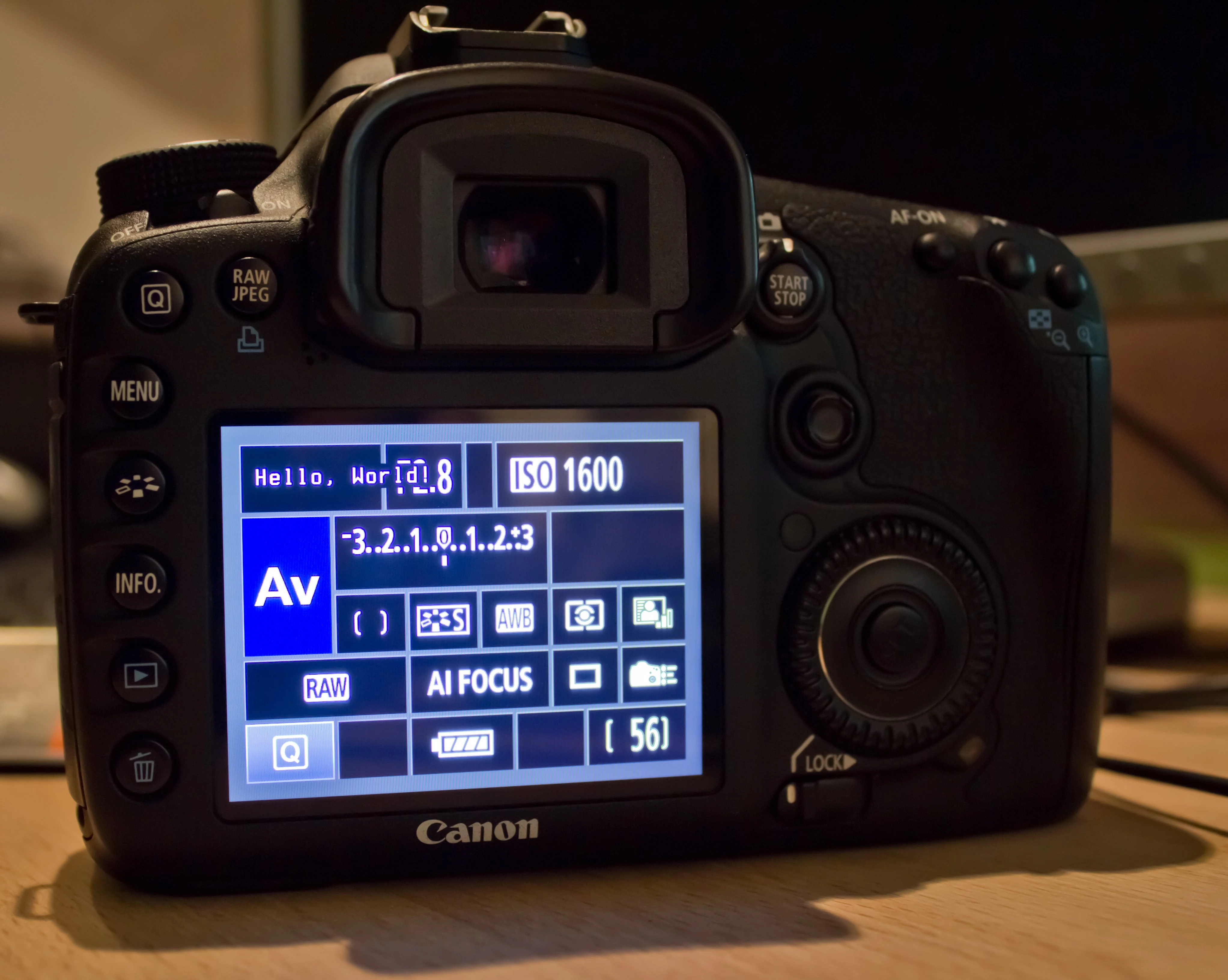

7D displays "Hello, World!", g3gg0 did the impossible
Using cache injection attack, it was possible to boot into canon firmware with ML loading in background.
OK = working as expected N/OK = working partially NOK = not working at all
Basic
- [OK] Booting ML
- [OK] Starting/Hijacking tasks
- [OK] Button codes
Overlay
- [OK] LV Buffer addresses
- [OK] HD Buffer addresses
- [OK] Zebras (fast, RGB, luma)
- [OK] Focus peaking via bitmap buffer
- [NOK] Focus peaking with alpha via rewriting LV buffer
- we see a lot of flickering, maybe DMA address is not correct? => try the 5D2 hack
- [OK] Magic Zoom (always, focus, zoom, rec+zoom)
- [OK] Cropmarks (video, photo)
- [OK] Ghost Image
- [OK] Spotmeter
- [OK] False Color
- [OK] Histogram
- [OK] Waveform
- [OK] Vectorscope
Movie
- [OK] Movie Logging
- [NOK] Movie Restart
- [OK] Rec/Stdby Notification
- [OK] Rec Stop after
- [NOK] Movie Rec Key
- [ ] Force LiveView
- [ ] Shutter Lock
- [ ] Smooth ISO
- [NOK] FPS override
- [NOK] Image Effects (none works)
Shoot
- [OK ] HDR Bracketing
- will shoot, but property change is disabled (note:orig FW/HW disables bracketing when flash pops-up)
- [NOK] Intervalometer
- will shoot as expected, but autofocus can't be disabled (properties?) (workaround?:set lens from AF to MF so no focus-hunt)
- wont stop when powering off camera - when repowering it still takes photos
- [OK ] Bulb/Focus Ramp
- [NOK ] Bulb Timer
- [NOK] Audio RemoteShoot
- doesn't read audio yet (neither mic-in nor built-in mic)
- [OK] Motion Detect
- [NOK] Silent Picture
- takes one picture, then hangs
- [OK ] Mirror Lockup
- [OK] Flash Tweaks
Audio
- [N/OK] Audio Meters
- will only display mic-in audio, not built-in mic
- [N/OK] Beep and test tones
- volume is weird - the loudness bits are mixed. 1=off, 2=normal, 3=loud, 4=silent, 5=loud
- [N/OK] sound recorder
- recording during image review is fine one time, recording in menu records from mic-in only
Available firmwares
- EOS 7D fw 1.0.9 (19 Oct 2009)
- EOS 7D fw 1.1.0 (5 Nov 2009)
- EOS 7D fw 1.2.1 (15 Apr 2010)
- EOS 7D fw 1.2.3 (25 Nov 2010)
- EOS 7D fw 1.2.5 (26 Apr 2011)
- EOS 7D fw 2.0.0 (07 Aug 2012)
- EOS 7D fw 2.0.3 (12 Sep 2012)
- EOS 7D fw 2.0.5 (12 Oct 2013)
- EOS 7D fw 2.0.6 (29 Nov 2016)
FW 2.0.5 Download:
FW 2.0.3 Download:
http://www.usa.canon.com/cusa/consumer/products/cameras/slr_cameras/eos_7d#DriversAndSoftware
FW 1.2.5 Download:
http://www.canonrumors.com/2011/04/firmware-1-2-5-for-eos-7d
Downgrade from the last two versions available only through EOS Utility!
What we know:
- Device ID 0x8000250
- USB ID 0x319a
Further USB details in PTP page.